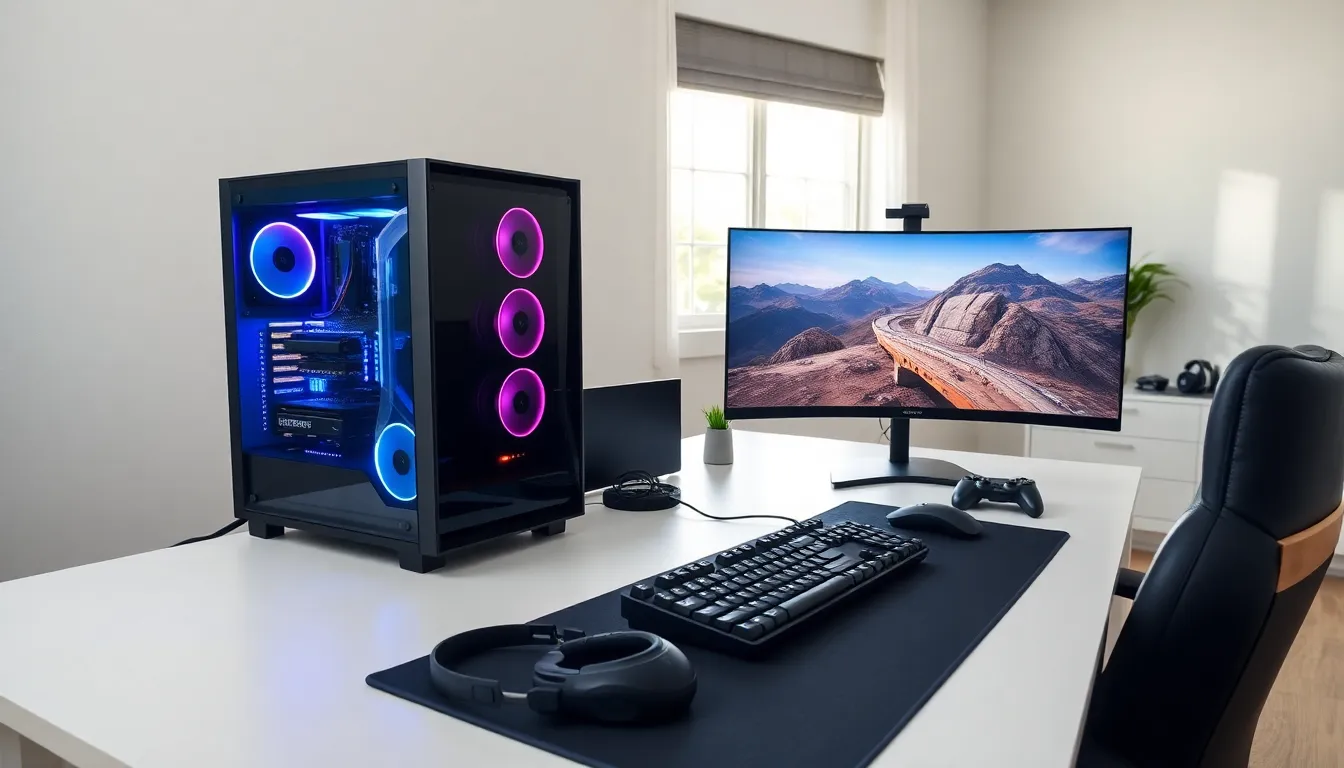

This PC gaming guide covers everything beginners need to start playing games on a computer. PC gaming offers better graphics, more customization, and access to thousands of titles. But, the hardware options and technical requirements can confuse newcomers. This guide breaks down the essential components, budget considerations, peripherals, and game platforms. By the end, readers will have a clear path to building or buying their first gaming setup.
Table of Contents
ToggleKey Takeaways
- A balanced PC gaming setup prioritizes the graphics card (GPU), which should receive 30–40% of your total budget for the best performance.
- For most gamers, a mid-range build ($800–$1,200) offers the best value with smooth 1080p or 1440p gameplay at high settings.
- Essential components include at least 16GB of RAM, a 1TB NVMe SSD for fast load times, and a reliable 650W–750W power supply.
- Quality peripherals—such as a 144Hz monitor, mechanical keyboard, and accurate gaming mouse—enhance comfort and performance during every session.
- Steam is the primary platform for PC gaming, but wishlisting games and waiting for sales across multiple storefronts saves significant money.
- Beginners can start with pre-built systems for convenience, then learn to upgrade individual components over time.
Understanding PC Gaming Hardware Basics
Every gaming PC relies on a few core components. Understanding these parts helps gamers make smarter purchasing decisions and troubleshoot problems later.
The Graphics Card (GPU)
The graphics card handles all visual processing. It renders game environments, characters, and effects in real time. For most gamers, the GPU matters more than any other component. Popular options include NVIDIA’s GeForce RTX series and AMD’s Radeon RX line. A mid-range card like the RTX 4060 or RX 7600 runs most modern games at 1080p with high settings.
The Processor (CPU)
The CPU manages game logic, physics calculations, and background processes. Gaming doesn’t require the most expensive processor available. An Intel Core i5 or AMD Ryzen 5 provides excellent performance for most PC gaming scenarios. These chips balance price and power well.
RAM and Storage
Modern games need at least 16GB of RAM. This amount handles multitasking and keeps games running smoothly. For storage, a solid-state drive (SSD) dramatically improves load times. A 1TB NVMe SSD offers fast speeds and enough space for several large games.
The Motherboard and Power Supply
The motherboard connects all components together. It should match the CPU socket type and support the desired RAM speed. The power supply unit (PSU) delivers electricity to every part. A 650W to 750W unit from a reputable brand handles most gaming builds safely.
This PC gaming guide emphasizes that balance matters. Spending too much on one component while neglecting others creates bottlenecks. A $500 GPU paired with a $50 processor won’t perform well.
Choosing the Right Gaming PC for Your Budget
Budget determines the gaming experience. Fortunately, PC gaming accommodates various price points. Here’s how different budgets translate to performance.
Entry-Level ($500–$700)
This range covers basic 1080p gaming at medium to high settings. Pre-built systems at this price often include older GPUs like the GTX 1650 or RX 6500 XT. Building a PC at this budget stretches money further. Expect 60 frames per second in popular titles like Fortnite, Valorant, and Minecraft.
Mid-Range ($800–$1,200)
Mid-range builds unlock 1080p gaming at maximum settings or 1440p at high settings. This sweet spot offers the best value for most gamers. Components like the RTX 4060 Ti or RX 7700 XT fit this budget. Frame rates reach 100+ FPS in competitive games.
High-End ($1,500+)
High-end systems target 4K resolution or high refresh rate 1440p gaming. The RTX 4080 and RX 7900 XT power these builds. Gamers also benefit from faster CPUs like the Ryzen 7 or Intel Core i7.
Pre-Built vs. Custom
Pre-built PCs save time and include warranties. They cost slightly more but eliminate assembly stress. Custom builds offer better component selection and upgrade paths. First-time PC gaming enthusiasts often start with pre-builts, then learn to upgrade individual parts over time.
This PC gaming guide recommends spending 30–40% of the total budget on the graphics card. That ratio typically produces the best gaming results.
Essential Peripherals and Accessories
The PC itself is only part of the equation. Peripherals directly affect comfort, accuracy, and enjoyment during gaming sessions.
Gaming Monitors
A good monitor displays the GPU’s output properly. Key specs include resolution, refresh rate, and panel type. For PC gaming, a 1080p or 1440p monitor with a 144Hz refresh rate provides smooth visuals. IPS panels offer accurate colors, while VA panels deliver deeper blacks. Response times under 5ms prevent motion blur.
Keyboards and Mice
Mechanical keyboards provide better feedback and durability than membrane alternatives. Switches come in different types, linear for smooth keypresses, tactile for a bump sensation, and clicky for audible feedback. Gaming mice need accurate sensors and comfortable shapes. DPI settings between 400 and 1600 work for most players.
Headsets and Audio
A quality headset improves communication in multiplayer games and enhances single-player immersion. Look for comfortable ear cups, clear microphones, and good sound staging. Wired headsets avoid battery concerns, while wireless options offer freedom of movement.
Controllers
Many PC games support controllers. The Xbox Wireless Controller works natively with Windows. PlayStation’s DualSense controller also functions on PC with some games. Racing and fighting games often play better with controllers than keyboard and mouse.
This PC gaming guide suggests budgeting $200–$400 for peripherals. Quality accessories last years and improve every gaming session.
Getting Started With Game Libraries and Platforms
PC gaming offers access to millions of games through various digital platforms. Understanding these services helps gamers find deals and organize their libraries.
Steam
Steam dominates PC gaming distribution. It hosts over 50,000 games and offers frequent sales. The platform includes social features, cloud saves, and Steam Workshop for mods. Most PC gamers maintain a Steam account as their primary library.
Epic Games Store
Epic gives away free games every week. The store also features exclusives and competitive pricing. Its library integration works smoothly, though the platform lacks some features Steam offers.
GOG (Good Old Games)
GOG specializes in DRM-free games. Buyers own their games completely without online authentication requirements. The platform also preserves classic PC games that might otherwise disappear.
Xbox Game Pass PC
Microsoft’s subscription service provides access to hundreds of games for a monthly fee. It includes day-one releases of Xbox first-party titles. For $10–$15 per month, Game Pass offers tremendous value for gamers who play multiple titles.
Managing Multiple Launchers
PC gaming often requires several launchers, EA App for EA games, Ubisoft Connect for Ubisoft titles, and Battle.net for Blizzard games. Tools like Playnite or GOG Galaxy unify these libraries into a single interface.
This PC gaming guide encourages new gamers to start with Steam and explore other platforms as needed. Wishlisting games and waiting for sales saves significant money over time.